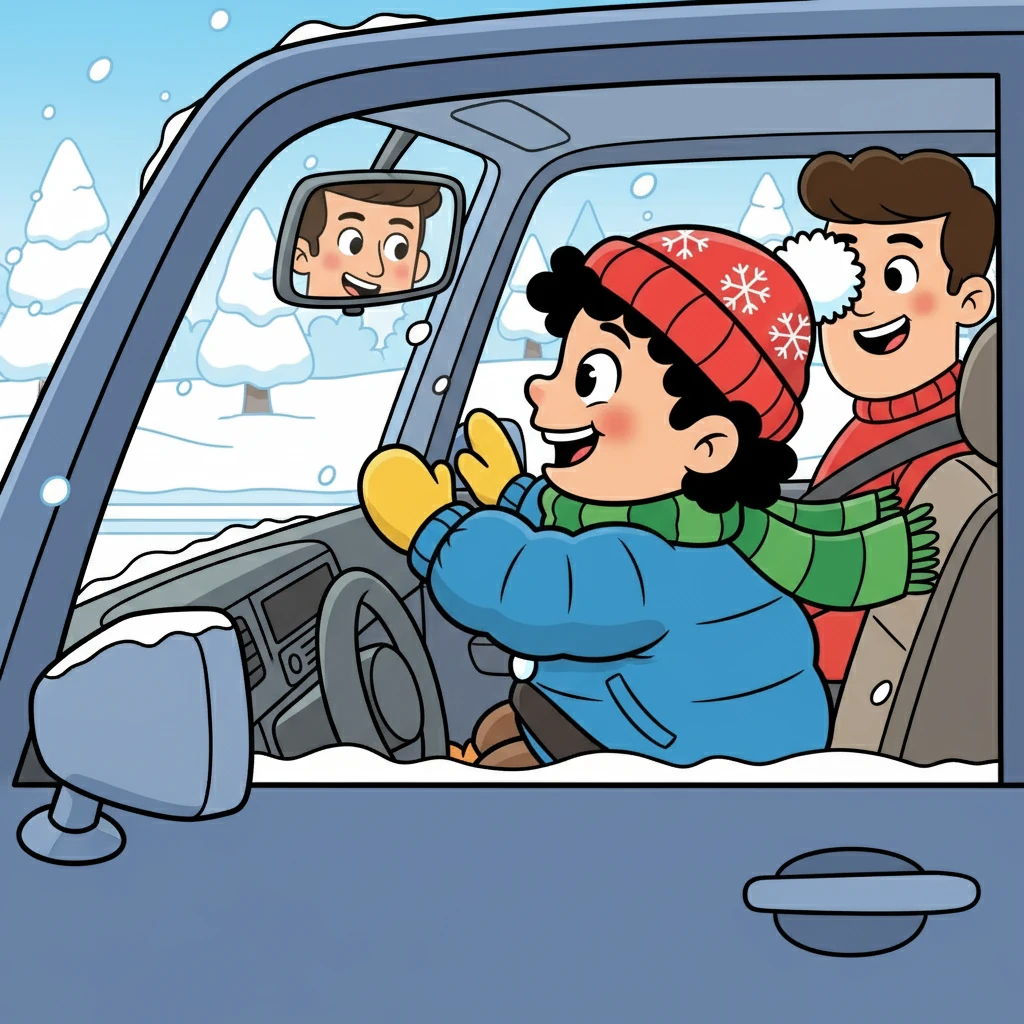
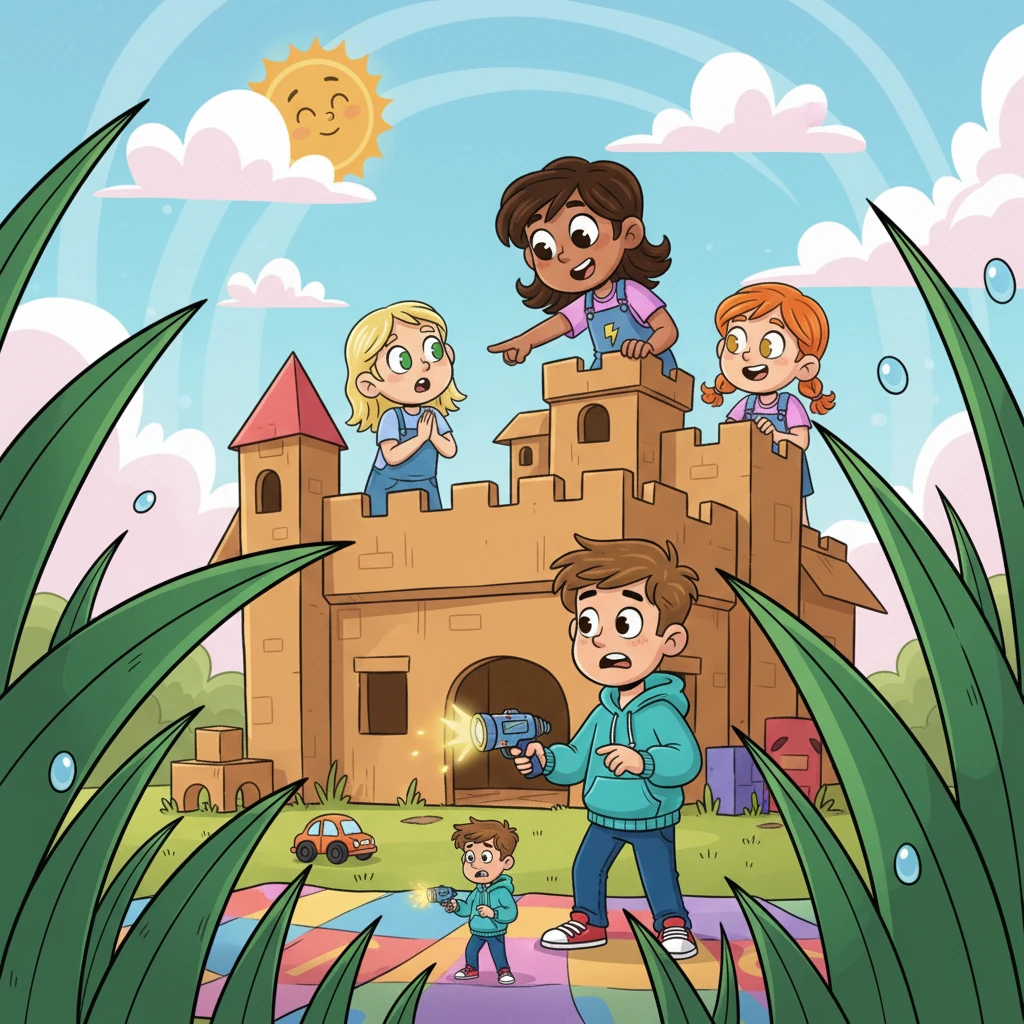
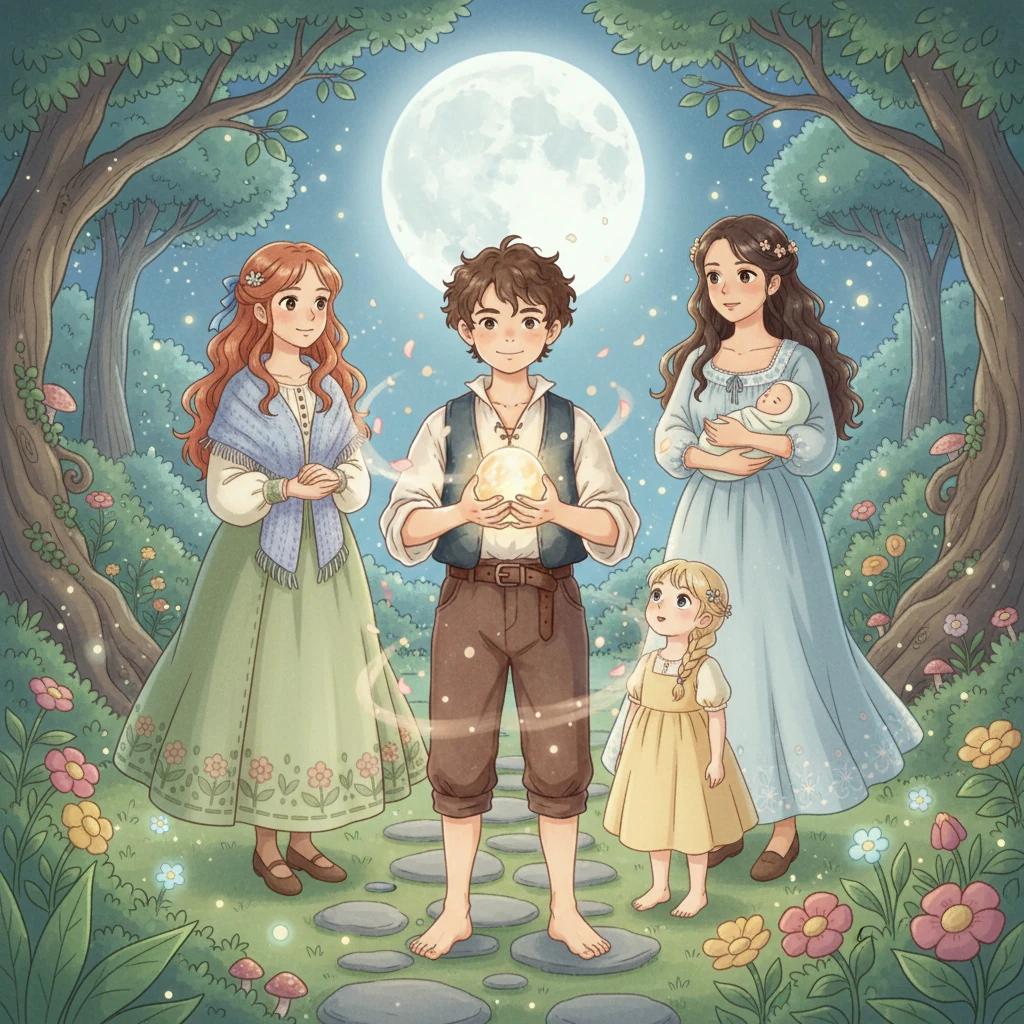
Join Kutay on his magical first snow adventure! Experience the joy and wonder of winter through Kutay's eyes as he discovers the beauty of snowflakes, builds his first snowman, and shares precious moments with his family. This heartwarming story is perfect for little ones, filled with colorful illustrations and a touch of winter magic.
Creating a cartoon-style e-book for Amazon Kindle is a wonderful idea, especially for children ages 2-6! You can bring Kutay's first snow experience to life with colorful, simple illustrations that will appeal to young readers. Here's a guide on how to proceed with turning the story into a cartoon e-book for Amazon Kindle: 1. Create the Storyboard for the Cartoon Storyboard: A storyboard is a visual plan that breaks down the entire story into scenes. Each page or screen will be a single illustration or a set of illustrations (for Kindle, it's often one per page). Key Scenes: Identify the key moments in the story that should be illustrated. Here’s an idea of how you can break down the scenes from the story into pages: Page 1-2: Kutay and his family in the car, excited about the snow. Page 3-4: Kutay stepping out of the car and seeing the snow for the first time. Page 5-6: Kutay making his first snowball. Page 7-8: Mom and Dad making snow angels with Kutay. Page 9-10: Kutay laughing in the snow, catching snowflakes on his face. Page 11-12: The family watching the sunset, heading back home. 2. Choose an Illustration Style Since you want to create a cartoon-style e-book, keep the following tips in mind: Bright Colors: Use vivid colors to make the illustrations engaging for children. Red, blue, yellow, and white can make snow scenes look magical. Simple Characters: Focus on rounded shapes and big eyes for the characters to make them look friendly and appealing. Clear Action: Ensure each illustration clearly shows the action (e.g., Kutay making a snowball, catching snowflakes). 3. DIY or Hire an Illustrator DIY Tools: Canva: Canva has a drag-and-drop design tool that allows you to create simple cartoon-style illustrations using templates. It's a good option if you're not an expert illustrator. Procreate (for iPad): If you want more flexibility, you can create your own digital illustrations using Procreate. Clip Studio Paint: Ideal for creating detailed comic-style illustrations. It allows you to design characters, backgrounds, and elements easily. Hiring an Illustrator: If you want more professional artwork but still keep costs low, Fiverr or Upwork are great platforms where you can find illustrators offering affordable services. Search for illustrators who specialize in children’s cartoons and discuss your budget and vision with them. 4. Create the e-Book for Kindle Once the illustrations are ready, here’s how you can create your e-book: Page Layout: Use the Kindle Kids' Book Creator tool. This is an Amazon tool that helps you turn your illustrated pages into an e-book. You can add interactive elements (like text pop-ups or clickable images) if you want. You can download Kindle Kids' Book Creator from Amazon's website for free. File Formats: For e-books: Kindle supports files like .epub, .mobi, and .kpf. For the cartoon format, you should prepare your images in JPEG or PNG and insert them into the e-book layout. For Print Books: If you want a paperback version, upload your illustrations in high-resolution PDF format to Amazon KDP. KDP will guide you on the print size (usually 8.5 x 8.5 inches for children’s picture books). 5. Add Text and Captions Simple Text: Make sure the text is large and clear, using simple words. Since your audience is 2-6 years old, short sentences and easy-to-read fonts (like Comic Sans or Arial Rounded) will be perfect. Text Placement: Position the text in a way that it doesn't cover key parts of the illustration. Usually, text goes at the top or bottom of the page. Interactive Text (Optional): Kindle allows interactive text, like clickable links or simple animations for Kindle Fire devices. You could add sound or movement (like snowflakes falling) if you want to make the book more dynamic. 6. Publish on Amazon KDP Once you have your final e-book: Log in to Amazon KDP and click on “Create a New Title”. Select “Kindle eBook” (or “Paperback” if you want a printed version). Upload your book details (title, description, keywords, etc.). Upload your e-book file (either .epub or .mobi) and your cover image. Set your royalties (70% for books priced between $2.99 - $9.99) and price. Preview your book with Amazon’s preview tool to ensure it looks great. Hit Publish and your cartoon e-book will be available on Amazon Kindle worldwide within 48 hours. 7. Marketing Your E-Book Social Media: Share snippets of your book (like the illustrations) on platforms like Instagram, Facebook, and TikTok. Amazon Ads: You can use Amazon Ads to promote your book directly on their platform. Parenting Blogs: Reach out to bloggers or websites focused on parenting and children’s books for reviews or features. Summary Storyboard: Plan out the key scenes for the cartoon-style e-book. Illustration Style: Use simple, bright cartoon illustrations to make the story engaging. DIY or Hire Help: Use free tools like Canva or hire a freelance illustrator for professional work. KDP: Upload your e-book to Amazon KDP using the Kindle Kids' Book Creator tool. Promote: Share on social media and use Amazon Ads to increase visibility.